By Ans Ali
Motion & Performance
How Much Animation Does a Website Really Need?
summary
Learn how to use website animations without compromising speed, accessibility or usability. A practical guide to motion design and Core Web Vitals.
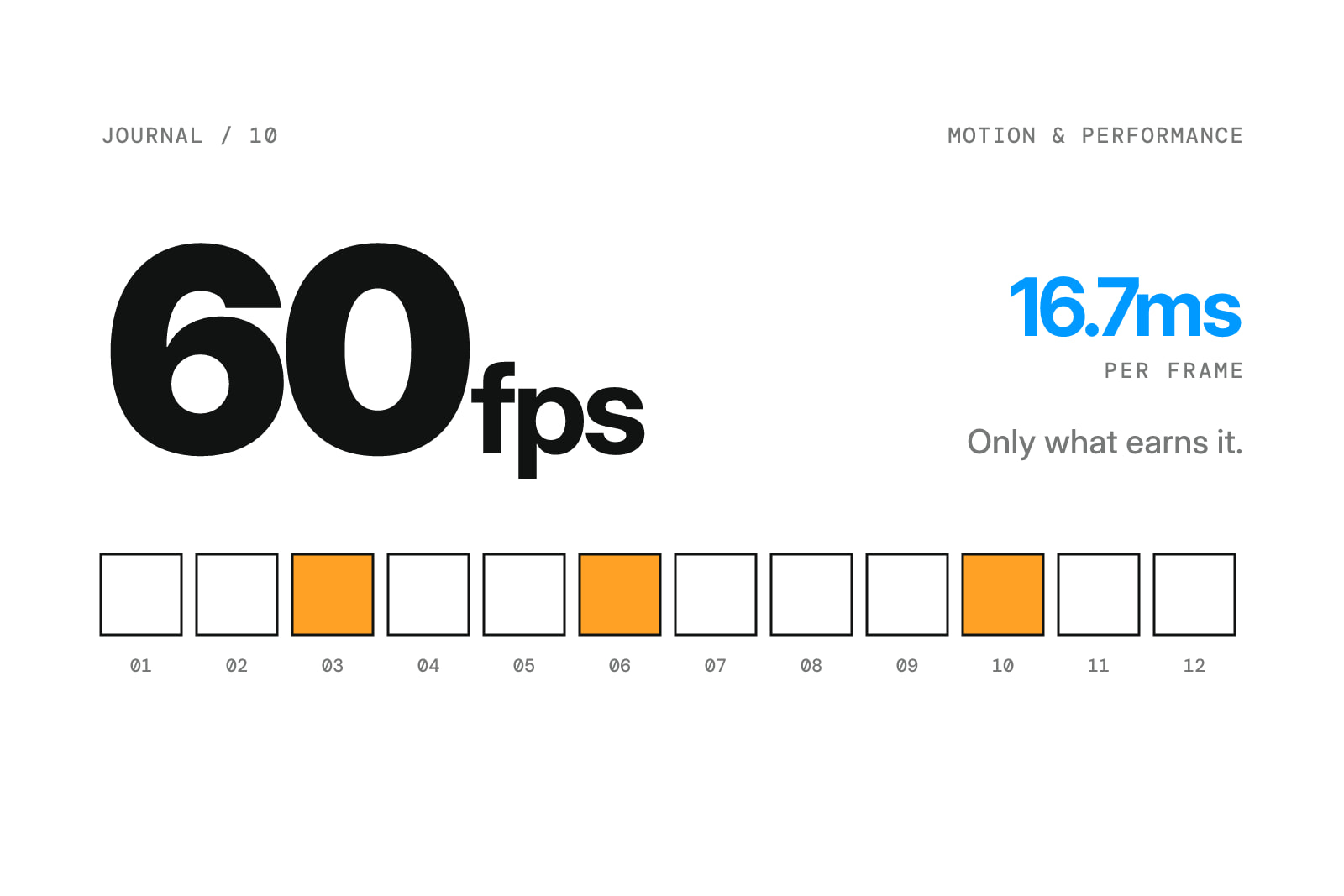
I love a good interaction.
A subtle hover effect, a carefully timed transition, or a little movement when something enters the screen can give a website a lot of character.
But I don't think every element needs to move.
The short answer: Use animation when it communicates a change, guides attention, or adds meaningful personality. Keep interactions responsive, respect reduced-motion preferences, and measure performance. More animation doesn't automatically create a better experience.
The Difference Between Motion and Decoration
Animation is most useful when it helps someone understand what's happening.
A menu opening shows that more options are available.
A button responding to a click confirms an action.
A transition between two states helps people follow the change.
These are small details, but they make interfaces feel more predictable.
Purely decorative motion has a different purpose.
It can contribute to the visual identity, but it should never get in the way of using the website.
What Makes Animation Feel Good?
Timing matters more than many people realize.
If an interaction is too slow, people feel like they're waiting.
If it's too fast, the movement can feel abrupt or become difficult to follow.
I like testing animations in the browser rather than judging them only from a prototype.
Real interactions reveal things that static mockups can't.
Think About What Moves
Different properties can have different performance costs.
Where appropriate, animating transforms and opacity can be more efficient than repeatedly changing layout-related properties.
But even efficient animations can feel distracting if too many things happen simultaneously.
The goal is smoothness and clarity, not constant activity.
Motion and Core Web Vitals
Google's Core Web Vitals measure important parts of the user experience.
Three metrics are worth understanding:
Largest Contentful Paint (LCP) measures loading performance. A good target is 2.5 seconds or less.
Interaction to Next Paint (INP) measures responsiveness. A good target is 200 milliseconds or less.
Cumulative Layout Shift (CLS) measures unexpected visual movement. A good target is 0.1 or less.
These metrics don't mean you should remove every animation.
They mean you need to understand the effects of the implementation.
A large animated hero might require careful asset optimization.
A complicated interaction might need performance profiling.
Unexpected layout movement should be avoided even when the page contains intentional animation.
Don't Forget Mobile
An interaction that looks beautiful on a powerful desktop can behave differently on a mobile device.
Hover behavior also doesn't translate directly to touchscreens.
I prefer designing mobile interactions intentionally rather than relying on desktop effects to somehow adapt.
That can mean simplifying certain animations, changing triggers, or choosing a more direct interaction.
The design should feel appropriate for the device.
Accessibility Matters Too
Some people prefer reduced motion, and operating systems provide settings to communicate that preference.
Websites can respond through the prefers-reduced-motion media query.
Respecting that setting doesn't mean removing personality from the design.
It means providing a comfortable experience for people with different needs.
Information should never depend entirely on an animation to be understandable.
When I Would Use More Motion
A creative portfolio or visually expressive brand website may benefit from a richer motion language.
A complex enterprise dashboard might benefit more from restrained transitions and clear feedback.
Neither approach is inherently more sophisticated.
The right choice depends on the context.
I like treating motion as a part of the design system rather than something added at the end.
Define its purpose, use it consistently, and test the result.
The best animation isn't always the one people notice.
Sometimes it's the one that makes everything feel a little easier.
Frequently Asked Questions
Do animations hurt website SEO?
Not inherently. Poorly implemented animations can negatively affect performance or usability, which can create SEO-related and user-experience problems.
Is GSAP good for website animations?
GSAP is a capable animation library for complex interactions. Performance depends on how animations are designed and implemented.
Should SaaS websites use scroll animations?
They can, when the motion supports comprehension and doesn't interfere with navigation, accessibility, or performance.
How can I check animation performance?
Use browser performance tools, PageSpeed Insights, and real-user Core Web Vitals data where available.
Want a website with a little more character?
I design and develop interactive websites where motion has a purpose and every detail earns its place.
Book a call
Let's make something happen.
Building a product, launching a startup, or rethinking your website? Pick a time that works for you and let's talk through your project, goals, and next steps.